
The After-Hours Audit: How Small Tax Firms Are Using Automation to Reclaim Nights and Weekends Without Dropping a Single Client
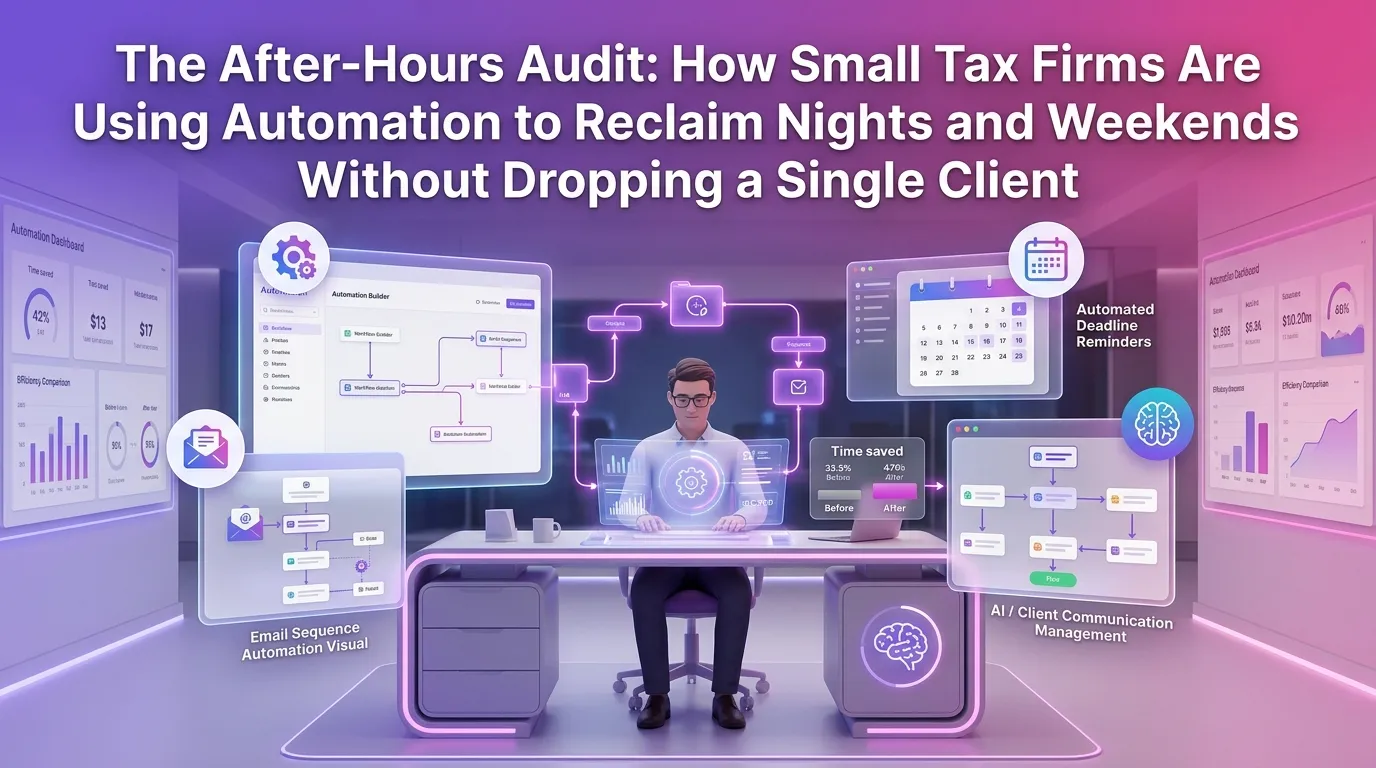
It's 11 PM on a Thursday. Your kids are asleep, your dinner went cold an hour ago, and you're still cross-referencing client documents because tax season doesn't care about your schedule. If this sounds familiar, you're not alone — and more importantly, you don't have to keep living this way. A quiet revolution is happening inside small tax firms across the country, and it's powered by tax firm automation platform technology that's finally accessible, affordable, and built specifically for practices like yours.
Why Small Tax Firm Owners Are Burning Out Faster Than Ever
The tax profession has always demanded long hours, but the last several years have raised the stakes considerably. According to the AICPA's 2023 CPA Firm Survey, staff shortages and increasing regulatory complexity are among the top concerns for small and mid-sized firms. When you're a solo practitioner or running a lean team, every gap in staffing falls directly on your shoulders.
The result is a predictable cycle: more clients mean more revenue, but also more late nights, more weekend work sessions, and less time for the life you're supposedly building this business to support. Many small firm owners report working 60–80 hour weeks during peak filing periods — and feeling guilty when they try to step away.
The irony is that a significant portion of those hours aren't spent doing high-value advisory work. They're spent on repetitive administrative tasks — chasing documents, sending reminders, manually updating client records, and generating status reports. These are exactly the kinds of tasks that automation handles effortlessly.
What Work-Life Balance Automation for Small Tax Firms Actually Looks Like
When most tax professionals hear "automation," they picture expensive enterprise software or complex integrations that require a dedicated IT team. The reality in 2024 is very different. Modern automation tools designed for small tax firms are intuitive, cloud-based, and can be up and running in a single afternoon.
True work-life balance automation for a small tax firm isn't about replacing your expertise — it's about eliminating the friction that surrounds it. It means the system sends the document request so you don't have to. It means the follow-up reminder goes out automatically on day three, day seven, and day fourteen. It means a client's status is always visible without you manually updating a spreadsheet at midnight.
Automated Client Intake and Document Collection
One of the most time-consuming phases of any tax engagement is the intake process. Clients forget to send documents. They send the wrong versions. They email PDFs to your personal inbox instead of uploading to the secure portal. Each of these small failures requires a manual correction that eats into your day.
Automated intake workflows eliminate this entirely. Clients receive a structured onboarding sequence — a secure link, a clear checklist, and automated nudges if they fall behind. Your team sees exactly what's been received, what's missing, and who needs a follow-up without anyone having to check manually.
Automated Follow-Ups and Status Communication
Client communication is a double-edged sword. Clients want to feel informed, but fielding "where are we with my return?" calls is one of the biggest hidden time drains in small tax practices. Automated status updates solve this problem at the source.
When a return moves from "in review" to "ready for signature," the client gets an automatic notification. When a deadline is approaching, a reminder goes out without anyone on your team lifting a finger. This isn't just an efficiency gain — it's a client experience upgrade that builds trust and reduces anxiety on both sides of the relationship.
Workflow Triggers and Task Automation
The most powerful form of tax firm automation is workflow logic — rules that trigger specific actions based on specific conditions. When a client uploads their final document, a task is automatically assigned to the preparer. When a return is completed, a review task is created for the partner. When a signature is collected, an invoice is generated.
These chains of automated logic mean that work moves forward continuously — even when you're at your daughter's soccer game or sleeping in on a Saturday morning. The firm keeps functioning without you manually pushing every piece.
Real Numbers: How Much Time Can Automation Actually Save?
It's easy to talk about automation in abstract terms, but let's get specific. Research published in the Journal of Accountancy found that accounting professionals can reclaim 30–40% of their administrative time through workflow automation. For a firm owner working 70-hour weeks during tax season, that's potentially 20+ hours per week returned to you.
Consider the math across a single tax season. If you process 300 individual returns and each one requires an average of 45 minutes of administrative overhead — document chasing, status updates, scheduling, invoicing — that's 225 hours of non-billable work. Automation can eliminate the majority of that overhead, freeing you to either take on more clients or simply close your laptop at a reasonable hour.
Small firm owners who have implemented automation consistently report the same outcomes: fewer weekend work sessions, faster return completion times, and higher client satisfaction scores. The technology doesn't just save time — it makes the time you do spend more focused and more valuable.
Work-Life Balance Automation: A Small Tax Firm Implementation Guide
Getting started with automation doesn't require a complete overhaul of your practice. The most effective approach is incremental — identify your biggest time drains first, automate those, and then expand systematically.
Step 1: Audit Your Weekly Time Drains
Spend one week tracking every task that takes more than 10 minutes of your time. You'll likely find that a handful of recurring activities — document follow-ups, status calls, data entry, invoice generation — account for a disproportionate share of your hours. These are your automation targets.
Step 2: Map Your Ideal Workflow
Before you configure any technology, write out what your ideal client journey looks like from first contact to completed return. What should happen automatically? What requires human judgment? Where are the handoff points? This exercise clarifies exactly what you need the automation to do.
Step 3: Choose a Platform Built for Tax Firms
General-purpose project management tools can be cobbled together to approximate tax workflow automation, but they rarely account for the specific nuances of tax practice — deadline sensitivity, IRS filing requirements, multi-signer document workflows, and secure client communication. A purpose-built tax firm automation platform will get you to value faster and with fewer workarounds.
Step 4: Start With One Workflow and Expand
Resist the temptation to automate everything at once. Start with your client intake workflow, run it for four to six weeks, and refine it based on what you observe. Once that workflow is running smoothly, add automated follow-ups, then status notifications, then invoicing. Gradual implementation produces better results and less disruption than a wholesale overnight change.
The Client Experience Dividend
Here's something counterintuitive: automating your firm doesn't make the client experience feel less personal. Done correctly, it makes it feel more attentive. Clients receive timely updates, never wait days for a response to a simple status question, and experience a level of consistency that solo practitioners struggle to deliver manually.
The IRS's continued push toward digital filing and electronic communication has also accelerated client expectations around speed and transparency. Clients now expect to know where their return stands in real time. Automation is the only scalable way to meet that expectation without burning yourself out.
Firms that have embraced automation also report higher referral rates. When clients feel well-served and well-informed, they tell their friends and colleagues. The automation investment pays dividends not just in your personal time, but in your firm's growth trajectory.
Addressing the "It's Impersonal" Objection
Some tax professionals resist automation because they fear it will erode the personal relationships that differentiate their firm from large national chains. This concern is understandable but misplaced. Automation handles the mechanical, the repetitive, and the administrative. It doesn't replace a thoughtful phone call when a client receives unexpected news on their return, or the judgment call that saves a client significant money through strategic planning.
In fact, automation creates more space for the high-touch moments that actually matter. When you're not spending Sunday afternoon chasing down missing W-2s, you have the bandwidth to proactively reach out to a long-standing client about a tax planning opportunity. That's the version of your practice — and your professional life — that automation makes possible.
You can explore our blog for more practical guides on building client relationships at scale without sacrificing the personal touch that makes small firms special.
Frequently Asked Questions
How much does tax firm automation cost for a small practice?
Costs vary depending on the platform and the size of your practice, but purpose-built tax firm automation tools typically range from $50 to $300 per month for small firms. Many platforms offer tiered pricing based on the number of clients or users, making it easy to start small and scale. You can view our pricing plans to find an option that fits your firm's size and budget.
Will automation work if I'm a solo practitioner with fewer than 100 clients?
Absolutely — in fact, solo practitioners often see the most dramatic results from automation because every hour saved goes directly back to the owner. Even with a smaller client base, the cumulative administrative overhead of manual follow-ups, document chasing, and status updates can easily consume 10–15 hours per week that automation can reclaim for you.
How long does it take to set up tax workflow automation?
Most small firms can configure their core workflows — client intake, document collection, and automated follow-ups — in a single day using a modern, purpose-built platform. More complex workflows, like multi-stage review processes or integrated invoicing, may take a few additional days to configure and test. The time investment upfront pays back within the first few weeks of use.
Is client data secure in a cloud-based automation platform?
Reputable tax firm automation platforms are built with bank-level encryption, secure client portals, and compliance with data privacy regulations. When evaluating any platform, look for SOC 2 compliance, end-to-end encryption for document transfers, and multi-factor authentication for client and staff access. Security should be a primary evaluation criterion, not an afterthought.
Can I maintain a personal client relationship while using automation?
Yes — and in most cases, automation enhances the client relationship rather than diminishing it. Automated communication keeps clients informed and reduces anxiety, while freeing up your time for the high-value, personal interactions that build long-term loyalty. The key is designing your automation to feel warm and professional, not robotic or generic.
Ready to reclaim your evenings and weekends without losing a single client? TaxFlow by MultidexTech was built specifically for small tax firms that are serious about scaling their practice without scaling their stress. From automated client intake to intelligent workflow triggers and real-time status tracking, everything you need to run a modern, efficient firm is in one place. Start your free trial today and experience 14 days of TaxFlow completely free — no credit card required. Your next tax season doesn't have to look like the last one.
```