
The Bookkeeping Firm Growth Trap: How to Scale Monthly Client Volumes Without Drowning in Recurring Reconciliations and Manual Reporting
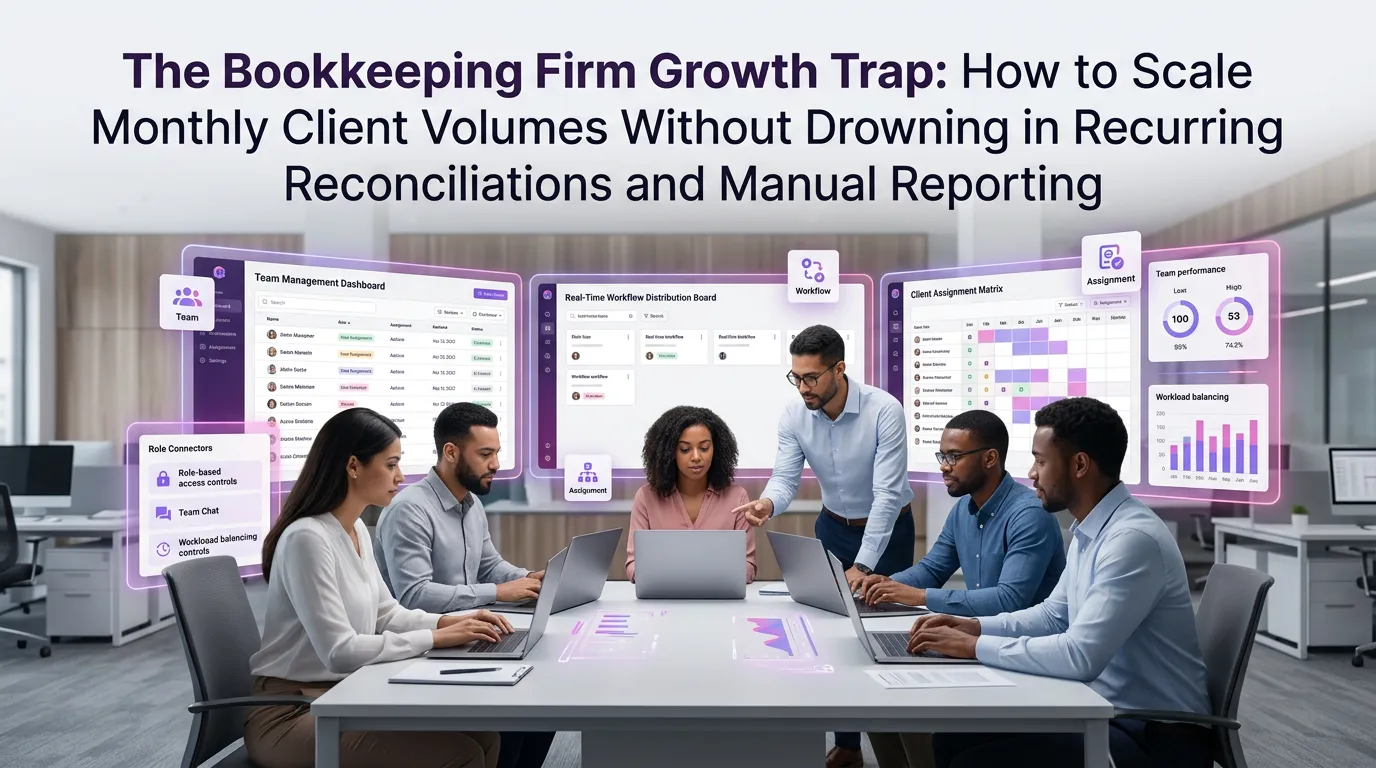
Growing a bookkeeping firm sounds like a straightforward equation: more clients equals more revenue. But any firm owner who has pushed past the 30-, 50-, or 100-client threshold knows the uncomfortable truth — growth without the right systems doesn't scale, it suffocates. Reconciliations pile up, reporting deadlines blur together, and the team that once delivered white-glove service starts cutting corners just to keep up. The solution isn't hiring faster than you can train. It's smarter: deploying bookkeeping firm automation software that handles the repetitive, high-volume work so your team can focus on the advisory relationships that actually differentiate your practice.
Why Bookkeeping Firms Hit a Growth Ceiling
The growth ceiling isn't a staffing problem at its core — it's a process problem. When every client reconciliation is handled manually, and every monthly report is assembled from scratch, the firm's capacity is directly tied to human hours. There are only so many of those to go around.
According to the AICPA's research on the future of finance, firms that rely heavily on manual processes spend up to 40% of their productive time on tasks that could be automated. That's nearly half your team's capacity evaporating into data entry, spreadsheet formatting, and chasing down bank statements.
The result is a firm that technically grows in client count but shrinks in profitability per client. Margins compress, burnout rises, and the service quality that earned your reputation begins to erode — quietly, but unmistakably.
The Real Cost of Manual Reconciliations at Scale
Let's be specific about what "drowning in reconciliations" actually looks like operationally. When you have 20 clients, a skilled bookkeeper can manage monthly closes with reasonable effort. At 60 clients, that same process becomes a logistical emergency every month-end.
Manual bank reconciliation requires pulling statements, matching transactions, investigating discrepancies, and documenting exceptions — for every account, every client, every month. Multiply that by a growing client roster and you're looking at hundreds of hours of repetitive work that carries significant error risk.
The Journal of Accountancy has documented that manual data entry errors cost accounting firms an average of 8–12% of revenue annually in rework, client disputes, and compliance corrections. For a firm billing $500,000 per year, that's potentially $60,000 in hidden losses — losses that scale with your client count.
The Cascade Effect on Reporting
Reconciliation errors don't stay contained. They cascade directly into your monthly and quarterly reports, meaning a single missed transaction can distort a client's P&L, misrepresent cash flow, and trigger unnecessary client calls. Every downstream report becomes suspect until the root issue is found and corrected.
When this happens across multiple clients simultaneously — which it inevitably does during month-end crunch — your team spends more time firefighting than delivering. The firm stalls not because of a lack of talent, but because the workflow architecture was never designed for scale.
What Bookkeeping Firm Automation Software Actually Solves
Modern bookkeeping firm automation software isn't just about replacing manual steps with digital ones. The best platforms restructure the entire workflow around rules, triggers, and intelligent matching — so the system does the heavy lifting and your team reviews exceptions rather than processing every transaction from zero.
Here's what meaningful automation looks like in practice for a growing bookkeeping firm:
Automated Bank Feed Reconciliation
Instead of manually importing statements and matching line items, automation software connects directly to client bank feeds and applies pre-configured matching rules. Transactions that meet defined criteria are reconciled automatically; only genuine discrepancies surface for human review.
This alone can reduce reconciliation time by 60–70% per client. Across 80 clients, that's the equivalent of reclaiming an entire full-time employee's monthly output — without adding headcount.
Templated Monthly Reporting
Automated reporting tools pull reconciled data directly into pre-built report templates, eliminating the manual assembly process. Client-specific branding, comparative periods, and KPI callouts can all be configured once and applied every reporting cycle.
The result is consistent, professional reports delivered faster — often within hours of period close rather than days. Clients notice. That speed and consistency becomes a competitive differentiator your firm can market.
Workflow Automation and Task Management
Beyond the numbers themselves, automation software manages the workflow around the numbers. Automated task assignments, deadline reminders, client document requests, and approval chains keep every engagement on track without a manager having to manually orchestrate each step.
This is particularly valuable as your team grows. New staff follow the same structured workflow as your veterans, reducing onboarding time and ensuring quality consistency across the firm.
Choosing the Right Platform: What to Look For
Not all automation platforms are built for bookkeeping firms specifically. Many general-purpose accounting tools offer surface-level automation that still requires significant manual oversight. When evaluating solutions, prioritize these capabilities:
Multi-Client Architecture
The platform must be built for firms managing multiple client entities simultaneously — not just individual businesses managing their own books. This means robust client switching, consolidated dashboards, and role-based access controls that let your team work across accounts without confusion or security risk.
Integration Depth
Your automation platform should integrate natively with the tools your clients already use — QuickBooks, Xero, Gusto, Stripe, and major banking institutions. Shallow integrations that require manual CSV exports defeat the purpose of automation entirely.
Compliance and Audit Readiness
As noted by the IRS guidelines on recordkeeping, businesses must maintain accurate and accessible financial records. Your automation platform should support this by maintaining complete audit trails, version histories, and documentation logs that protect both your clients and your firm in the event of an IRS inquiry.
Scalable Pricing That Grows With You
Avoid platforms that penalize growth with steep per-client pricing jumps. The best solutions offer tiered structures that make economic sense at every stage — whether you're managing 25 clients or 250. You can view our pricing plans to see how TaxFlow is structured to support firms at every growth stage without margin compression.
Building a Scalable Monthly Close Process
Automation software is the engine, but your internal process design is the chassis. Even the best tools underperform if they're layered onto chaotic workflows. Here's a framework for building a monthly close process that actually scales:
Standardize Client Onboarding
Every client should enter your firm through the same structured onboarding checklist: account connections, chart of accounts configuration, reporting preferences, and communication cadences. When onboarding is standardized, automation rules can be applied consistently from day one rather than retrofitted later.
Define Tiered Review Thresholds
Not every transaction requires senior review. Define clear thresholds — by dollar amount, transaction type, or account category — that determine what gets auto-approved versus what requires human sign-off. This keeps your senior staff focused on high-value decisions rather than routine confirmations.
Implement Rolling Reconciliation
Rather than treating reconciliation as a month-end event, configure your automation software to reconcile continuously throughout the month. When issues surface, they're addressed in real time rather than discovered in a panic during close week. This single process shift dramatically reduces month-end stress and error rates.
Automate Client Communication Touchpoints
Monthly reporting delivery, document request reminders, and status updates can all be automated without losing the personal touch. Templated messages with client-specific data fields feel personalized while requiring zero manual effort. Your clients receive consistent, timely communication; your team reclaims hours previously spent on follow-up emails.
The Competitive Advantage of Automation-First Firms
Here's what's happening in the market right now: the bookkeeping firms that invested in automation infrastructure two or three years ago are winning clients that traditional firms can no longer service profitably. They're delivering faster turnarounds, more insightful reporting, and lower error rates — at price points that still preserve healthy margins.
If you're still running manual processes, you're not just leaving efficiency on the table. You're ceding competitive ground to firms that have restructured their operations around technology. The gap widens every month.
The good news is that transitioning to an automation-first model doesn't require a complete firm overhaul overnight. It starts with identifying your highest-volume, most repetitive processes — typically bank reconciliation and monthly reporting — and automating those first. The capacity you recover funds the next phase of implementation.
TaxFlow, MultidexTech's tax firm automation platform, was purpose-built for exactly this kind of phased adoption. Firms can begin with core reconciliation automation and progressively activate reporting, workflow, and client communication features as their teams adapt and confidence grows.
Frequently Asked Questions
How does bookkeeping firm automation software handle clients with complex or irregular transactions?
Quality automation platforms use configurable matching rules and exception-handling logic that can be tailored to each client's transaction patterns. Complex or irregular transactions are flagged for human review rather than auto-processed, ensuring that edge cases receive appropriate attention without slowing down the majority of routine reconciliations.
Will automation software replace my bookkeeping staff?
No — and this is a critical distinction. Automation software eliminates repetitive, low-value tasks so your staff can focus on higher-value work: client advisory conversations, financial analysis, and complex problem-solving. Firms that adopt automation typically grow their revenue per employee significantly rather than reducing headcount. The role of the bookkeeper evolves; it doesn't disappear.
How long does it take to implement bookkeeping firm automation software?
Implementation timelines vary by platform and firm complexity, but most firms can activate core reconciliation and reporting automation within two to four weeks. Full workflow integration across all clients typically takes one to three months, depending on the number of client entities and the depth of integrations required. Phased rollouts — starting with a subset of clients — are the most effective implementation approach.
Is my client data secure in a cloud-based automation platform?
Reputable platforms use bank-level encryption, role-based access controls, and regular security audits to protect client financial data. When evaluating any platform, confirm SOC 2 compliance, data residency policies, and backup protocols. Security should be a primary evaluation criterion, not an afterthought.
What's the ROI timeline for investing in bookkeeping firm automation software?
Most firms see measurable ROI within the first 60–90 days of full deployment. The primary returns come from reduced hours per client engagement, lower error-related rework costs, and the ability to onboard additional clients without proportional headcount increases. Firms managing 50+ clients frequently report recovering the platform's annual cost within the first two months of use.
Ready to Scale Without the Strain?
The firms that will lead the bookkeeping industry over the next decade aren't necessarily the ones with the most staff or the longest client lists. They're the ones that built scalable systems early — systems that let them grow monthly client volumes without proportionally growing their overhead, their stress, or their error rates.
MultidexTech's TaxFlow platform gives bookkeeping firms the automation infrastructure to do exactly that. From automated bank reconciliations and templated reporting to workflow management and client communication, TaxFlow is designed to handle the volume so your team can handle the relationships.
If you're ready to stop letting manual processes cap your firm's potential, start your free trial today. TaxFlow offers a full 14-day free trial — no credit card required — so you can experience the operational difference before making any commitment. You can also explore our blog for more strategies on building a scalable, automation-first bookkeeping practice.