
The Mid-Size Firm Bottleneck: How Growing Tax Practices Are Automating the Manager Layer to Scale Without Adding Overhead
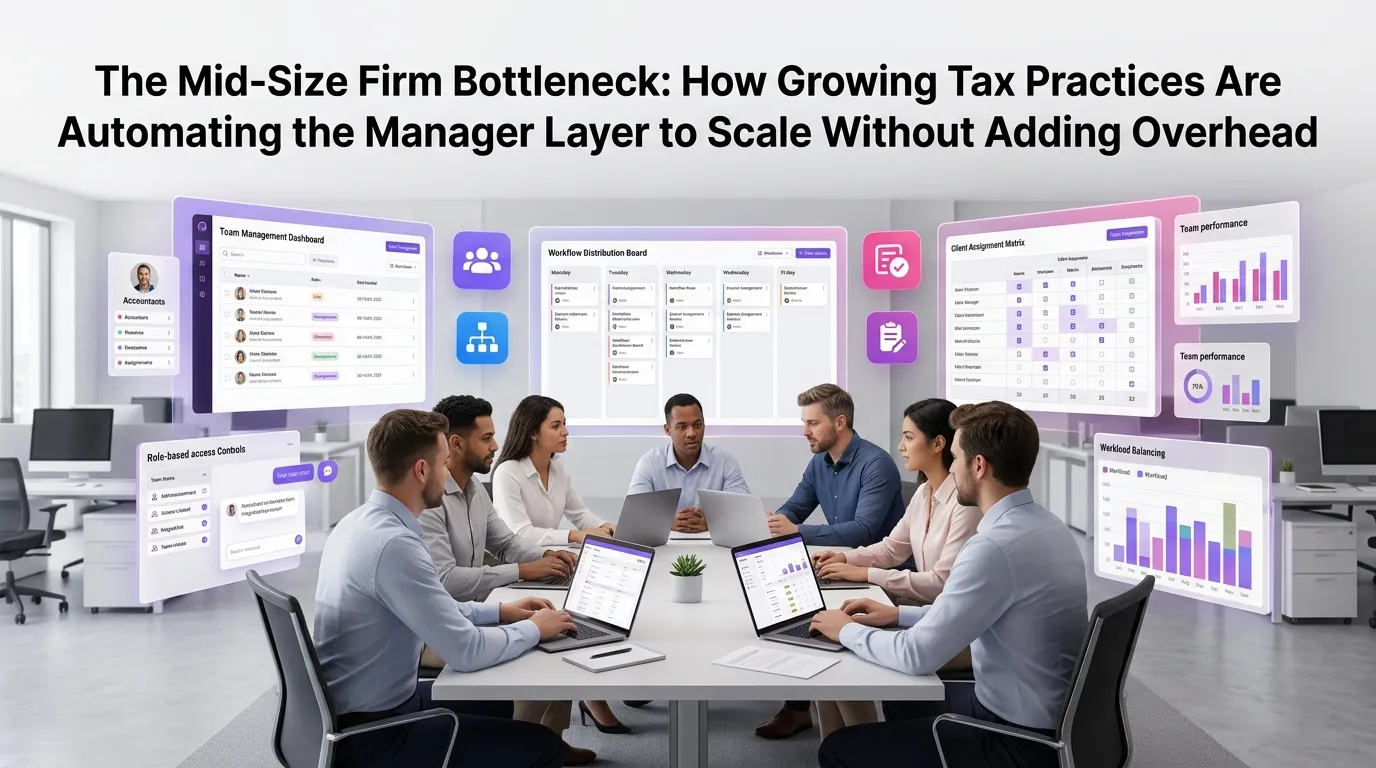
There's a moment every growing tax firm recognizes: the partners are stretched thin, the staff are capable but unsupervised, and the only thing standing between chaos and quality control is a layer of managers who are drowning in coordination work instead of doing billable, strategic work. This is the mid-size firm bottleneck — and it's costing practices thousands of dollars in lost productivity, missed deadlines, and unnecessary headcount. The good news is that forward-thinking firms are solving it through tax firm management automation, restructuring how oversight, delegation, and workflow coordination actually happen.
Why Mid-Size Tax Firms Hit a Growth Ceiling
Small tax firms scale by adding people. Large firms scale through systems, specialization, and institutional processes. Mid-size firms — typically those with 10 to 75 staff — are caught awkwardly between both worlds. They're too big to run on instinct and too small to absorb the overhead of enterprise-level management infrastructure.
The result is a predictable bottleneck: managers spend 60–70% of their time on administrative coordination — chasing document statuses, re-assigning work when a preparer falls behind, answering the same questions repeatedly, and manually updating partners on where every return stands. That leaves very little time for the actual value-added work managers are supposed to do: reviewing complex returns, mentoring junior staff, and supporting client relationships.
According to the AICPA's research on top issues facing CPA firms, workflow management and staff capacity remain among the most persistent challenges for practices in the growth phase. The firms that break through the ceiling are the ones that stop trying to hire their way out of the problem and start building smarter operational infrastructure.
The Hidden Cost of Manual Manager Oversight
To understand the bottleneck, it helps to map exactly where manager time goes in a typical mid-size tax firm during busy season. The pattern is remarkably consistent across practices of different sizes and specializations.
Status Chasing and Progress Tracking
Managers routinely spend 1–2 hours per day simply figuring out where things stand. Which returns are awaiting client documents? Which ones are in review? Which are past due? In firms without automated workflow tracking, this means checking spreadsheets, asking preparers directly, or digging through email threads.
This isn't just inefficient — it's demoralizing. Talented managers didn't spend years building technical expertise so they could play traffic coordinator. And every hour spent on status chasing is an hour not spent on technical review, training, or advisory work.
Repetitive Communication and Exception Handling
A significant portion of manager time goes toward communication that could be systematized. Sending reminders to clients about missing documents, notifying preparers when a return has been reviewed, alerting partners when a deadline is approaching — these are predictable, rules-based communications that don't require human judgment. Yet in most firms, they consume significant management bandwidth.
Exception handling is another time sink. When a preparer gets sick, when a client sends incomplete information, or when a return turns out to be more complex than anticipated, managers have to manually re-route work and recalibrate timelines. Without a centralized workflow system, this kind of dynamic reallocation is slow and error-prone.
Knowledge Transfer and Onboarding Gaps
Mid-size firms also struggle with knowledge transfer. When a manager leaves or a senior preparer is promoted, institutional knowledge walks out the door or gets lost in transition. New staff spend weeks figuring out "how we do things here" through trial and error, with managers filling the gap through constant one-on-one guidance.
This is compounded during tax season, when onboarding new seasonal staff while simultaneously managing peak workload creates a perfect storm of inefficiency. Firms that have documented, automated workflows can onboard faster because the process itself becomes the teacher.
What Tax Firm Management Automation Actually Looks Like
When firms talk about automating the manager layer, they don't mean replacing managers — they mean giving managers leverage. The goal is to automate the coordination and communication work so managers can focus on judgment-intensive tasks that actually require their expertise.
A modern tax firm automation platform like TaxFlow handles the operational backbone of firm management: routing work based on staff capacity and skill level, triggering client communications automatically at key workflow stages, surfacing bottlenecks before they become crises, and giving partners real-time visibility into firm-wide progress without requiring manager intervention.
Automated Workflow Routing and Assignment
Instead of managers manually assigning returns and monitoring who has capacity, an automated workflow system handles initial routing based on predefined rules — complexity tier, staff availability, specialization, and deadline urgency. When a return is ready to move from data entry to preparation, or from preparation to review, the system advances it automatically and notifies the right person.
This doesn't eliminate managerial judgment — it preserves it for exceptions and edge cases where human decision-making genuinely adds value. The routine 80% of routing decisions happen without manager involvement at all.
Proactive Deadline and Status Alerts
Automated systems can monitor every active engagement in the firm and surface issues before they escalate. If a return is approaching its due date and still in the preparation stage, the system flags it. If a client hasn't responded to a document request in five days, the system sends a follow-up automatically and alerts the manager if there's still no response after ten.
This shifts managers from reactive firefighting to proactive oversight. Instead of discovering a deadline problem at 4pm on the day before it's due, managers see it coming three days out — when there's still time to act. The IRS's e-filing infrastructure doesn't offer grace for missed deadlines, which makes proactive internal tracking essential.
Client Communication Automation
One of the highest-volume, lowest-value activities in any tax firm is routine client communication: requesting documents, acknowledging receipt, sending status updates, delivering completed returns, and requesting signatures. These interactions are important for client experience but require almost no customization or judgment in most cases.
Automating these touchpoints doesn't make communication less personal — it makes it more consistent. Clients get timely, professional updates without the firm having to remember to send them. Staff and managers are freed from inbox management. And the firm looks more organized and responsive, which directly impacts client retention and referrals.
Real-Time Partner Dashboards
Partners at mid-size firms often have poor visibility into what's actually happening across the firm unless they interrupt a manager to ask. Automated dashboards change this dynamic completely. Partners can see at a glance how many returns are in each stage, which clients are holding things up, which staff members are overloaded, and whether the firm is on track to hit its seasonal targets.
This transparency reduces the number of status update meetings firms need to hold, which frees up time for everyone. It also allows partners to make better resource allocation decisions earlier in the season, before capacity problems become crises.
The Scalability Math: What Automation Actually Unlocks
The business case for tax firm management automation becomes clear when you run the numbers on manager capacity. If a manager currently spends 15 hours per week on coordination and communication tasks, and automation reduces that to 4 hours, that's 11 hours per week recovered — roughly 500 hours over a busy season.
Those 500 hours can be redirected to technical review, business development support, staff mentoring, or handling more complex client work. For a manager billing at $150–$200 per hour, that's $75,000–$100,000 in potential additional capacity per manager, per year. Across a firm with three managers, the math becomes compelling very quickly.
More importantly, automation allows firms to grow their client base without proportionally growing their management layer. A firm that previously needed to hire a new manager for every 15 additional staff can often extend that ratio to 1:25 or 1:30 with robust workflow automation in place. That's the difference between sustainable scaling and a cost structure that makes growth economically punishing.
Implementation: How to Start Without Disrupting Your Firm
The biggest hesitation firms have about automation is the implementation burden — the fear that setting up a new system will consume more time than it saves, at least in the short term. That concern is legitimate, but it's also manageable with the right approach.
Start with One Workflow, Not Everything
The most successful implementations start narrow. Pick one workflow — individual 1040 preparation, for example — and automate it completely before moving to the next. This allows staff to get comfortable with the system, lets you identify configuration issues in a low-stakes context, and produces quick wins that build organizational momentum.
Trying to automate everything at once is a common mistake that leads to implementation fatigue and partial adoption. A phased approach is slower in theory but faster in practice.
Involve Your Managers in the Design
Automation succeeds when the people it's meant to help are involved in designing it. Managers know where the friction points are. They know which communications they send repeatedly, which assignments always get complicated, and which exceptions tend to recur. That institutional knowledge should be encoded into the system's rules and routing logic from day one.
According to the Journal of Accountancy's coverage of workflow automation in CPA firms, practices that involve operational staff in system design report significantly higher adoption rates and faster time-to-value than those that implement top-down.
Measure Before and After
Establish baseline metrics before you automate: average time per return stage, number of missed deadlines per season, manager hours spent on coordination tasks, client response times. Then measure the same metrics after implementation. This data does two things: it validates the investment and it identifies where additional automation opportunities exist.
You can explore our blog for more detailed guides on establishing workflow metrics and benchmarking firm performance before and after automation.
Frequently Asked Questions
What is tax firm management automation?
Tax firm management automation refers to the use of software systems to handle the coordination, routing, communication, and oversight tasks that managers in a tax firm typically perform manually. This includes automated workflow routing, deadline alerts, client communication triggers, and real-time reporting dashboards that give partners and managers visibility without requiring manual status checks.
Will automation replace tax firm managers?
No. Automation is designed to give managers leverage, not replace them. By handling routine coordination and communication tasks automatically, automation frees managers to focus on high-value work: technical review, staff mentoring, client relationship management, and strategic problem-solving. Most firms find that automation makes their managers significantly more effective, not redundant.
How long does it take to implement a tax firm workflow automation system?
Implementation timelines vary based on firm size and the complexity of your existing workflows. Many firms can configure and launch their first automated workflow within two to four weeks. A phased approach — starting with one workflow type and expanding from there — typically produces the fastest sustainable adoption. Platforms like TaxFlow are designed for rapid onboarding without requiring dedicated IT resources.
Is tax firm management automation suitable for firms of all sizes?
While the mid-size firm bottleneck is particularly acute for practices with 10–75 staff, the principles of workflow automation apply across firm sizes. Smaller firms benefit from the consistency and professionalism automation brings. Larger firms use automation to maintain quality control and coordination at scale. The key is choosing a platform that can grow with your practice.
How does TaxFlow help with tax firm management automation specifically?
TaxFlow is a purpose-built tax firm automation platform that handles workflow routing, deadline tracking, automated client communications, staff assignment management, and partner-level reporting dashboards. It's designed specifically for the operational realities of tax practices — not adapted from generic project management tools. Firms can start your free trial to explore the full feature set risk-free, or view our pricing plans to find the right tier for your firm's size and needs.
Ready to break through the mid-size firm bottleneck? MultidexTech's TaxFlow platform is built specifically for tax practices that are serious about scaling without adding unnecessary overhead. With a 14-day free trial — no credit card required — you can configure your first automated workflow, see the dashboard in action, and measure the impact on your team's capacity before committing to anything. The firms that will dominate their markets over the next decade aren't the ones with the most staff. They're the ones with the smartest systems. Start your free trial today and see what operational leverage actually feels like.

