
The Mid-Size Firm Workflow Audit: How 5-20 Person Tax Practices Are Finding Hidden Bottlenecks and Fixing Them With Automation
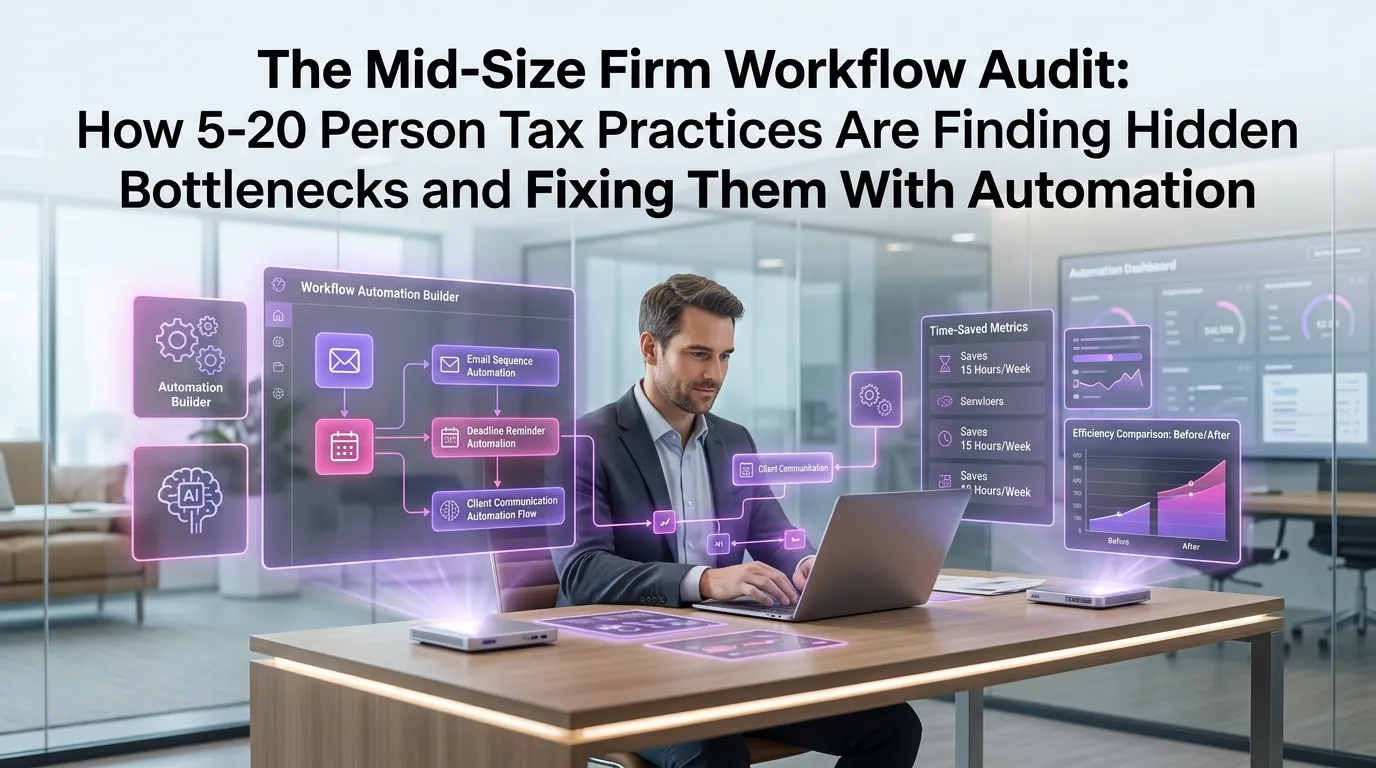
If your tax firm has grown beyond a solo practice but hasn't yet scaled to enterprise size, you're operating in one of the most operationally complex zones in the profession. The 5-to-20-person firm carries the full weight of client expectations, regulatory deadlines, and staff coordination — often without the infrastructure to manage it cleanly. For many firm owners in this range, the real threat isn't a lack of clients. It's invisible inefficiency: the hours lost to manual handoffs, the client emails that fall through the cracks, and the status meetings that exist only because no one actually knows where a return stands. This is exactly why workflow automation for mid-size accounting firms has moved from a nice-to-have to an operational necessity.
Why Mid-Size Tax Firms Are Uniquely Vulnerable to Workflow Breakdowns
Small solo practices can often run on memory and habit. Enterprise firms have dedicated operations staff and custom-built systems. Mid-size firms sit in an awkward middle ground — too complex for informal management, but often too lean to invest heavily in process engineering.
At this scale, the cracks tend to appear in predictable places. A preparer finishes a return and moves on, assuming someone else will handle the review queue. A client uploads documents to the portal, but no one is automatically notified. A deadline approaches and the partner only finds out because the client called first.
These aren't failures of individual competence. They're failures of system design. And the firms that recognize this distinction are the ones that fix the problem permanently rather than hiring their way out of it season after season.
Conducting a Workflow Audit: Where to Start
Before you can automate anything, you need to see clearly what's actually happening in your practice. A workflow audit is the process of mapping every client-facing and internal task from engagement letter to filed return — and identifying where time, accountability, or information gets lost.
Step 1: Map Your Current State Honestly
Start by documenting how work actually flows, not how you intend it to flow. Walk through a single tax return from intake to delivery and write down every touchpoint: who does it, how they're notified, where files live, and what happens if a step is skipped.
You'll likely discover that several steps depend entirely on one person's memory or inbox. That's not a staffing problem — it's a workflow problem, and it's exactly the kind of gap that workflow automation for mid-size accounting firms is designed to close.
Step 2: Identify Your Bottleneck Categories
Most mid-size firm bottlenecks fall into a handful of categories. Understanding which category you're dealing with determines the right fix.
- Intake delays: Clients are slow to submit documents, and there's no automated follow-up system.
- Status ambiguity: Team members don't know what stage a return is in without asking someone directly.
- Review queue backlog: Returns pile up waiting for a partner or senior reviewer with no visibility into the queue depth.
- Client communication lag: Requests for missing information are sent manually and tracked inconsistently.
- Deadline management: Critical dates live in someone's calendar rather than a shared, firm-wide system.
According to the AICPA's CPA Firm Technology Survey, workflow management and client communication tools consistently rank among the top technology priorities for growing accounting firms — and for good reason. These are the areas where time leaks most visibly.
Step 3: Quantify the Cost of Each Bottleneck
It's easy to dismiss workflow inefficiencies as minor annoyances. It's harder to ignore them once you attach a dollar figure. Estimate the average time lost per return to each bottleneck type, multiply by your billable rate, and multiply again by your annual return volume.
A firm processing 400 returns per season that loses just 45 minutes per return to avoidable back-and-forth is surrendering 300 hours of productive capacity. At even a modest billing rate, that's a significant number — and it compounds year over year.
The Five Hidden Bottlenecks Most Mid-Size Firms Don't See
Beyond the obvious culprits, there are subtler inefficiencies that rarely show up in a surface-level review but quietly drain firm capacity throughout the year.
1. The "Ready for Review" Black Hole
When a preparer completes their work, what happens next? In many firms, the answer is a verbal mention, an email, or a flag in a shared folder. Without a formalized handoff trigger, returns sit in limbo — prepared but unreviewed — while the preparer moves on assuming the baton has been passed.
Automating this handoff with a status-change trigger that notifies the reviewer and timestamps the transition eliminates the ambiguity entirely. The reviewer knows what's waiting; the preparer has documented accountability.
2. Inconsistent Client Onboarding
Every new client engagement involves the same core steps: engagement letter, ID verification, document checklist, portal setup. But in most mid-size firms, these steps are executed differently depending on which staff member handles the intake.
This inconsistency creates compliance risk and client experience variability. Standardizing onboarding through automated workflows ensures every client receives the same structured experience — and every required step is completed and logged.
3. The Missing Document Spiral
Requesting missing documents is one of the most time-consuming and morale-draining tasks in tax preparation. Staff send reminders manually, track responses in their personal inboxes, and often lose visibility on whether a client has responded at all.
Automated document request workflows — with scheduled follow-up reminders and automatic status updates when documents arrive — can reclaim hours per week during peak season. The IRS's recordkeeping guidelines underscore how critical complete documentation is for accurate filing, making this not just an efficiency issue but a compliance one.
4. The Verbal Status Update Culture
In firms where workflow visibility is low, partners and managers compensate by holding frequent status meetings or sending check-in emails. These communication overhead costs are rarely counted, but they add up fast.
When every return has a visible, real-time status in a centralized system, the need for these interruptions drops dramatically. Staff spend more time doing billable work and less time reporting on it.
5. Post-Filing Silence
Many firms do excellent work right up until the return is filed — and then go quiet. No automated delivery confirmation, no follow-up to confirm the client received their documents, no proactive outreach about next year's planning opportunities.
This post-filing gap is both a client retention risk and a missed revenue opportunity. Automated post-filing sequences can handle delivery notifications, satisfaction check-ins, and even early engagement prompts for the following tax year without any manual effort.
How Workflow Automation for Mid-Size Accounting Firms Changes the Equation
Automation doesn't replace your team's judgment. It removes the administrative overhead that prevents your team from applying their judgment where it actually matters. The goal isn't to make your firm robotic — it's to make your firm reliable.
When workflow automation is implemented well in a mid-size tax practice, the effects are compounding. Fewer things fall through the cracks, which means fewer client complaints. Faster handoffs mean shorter turnaround times. Better visibility means managers can intervene early rather than scrambling at the deadline.
Firms using a dedicated tax firm automation platform like TaxFlow can configure these workflows without custom development or IT support. Triggers, notifications, status updates, client communications, and deadline tracking are built into a system designed specifically for the tax workflow — not adapted from a generic project management tool.
What to Automate First: A Priority Framework
Not every firm should automate everything at once. The highest-ROI automations for mid-size firms typically follow this sequence:
- Client intake and onboarding — standardize the experience and eliminate manual setup steps
- Document request and follow-up — remove the manual reminder burden from staff
- Internal status tracking and handoffs — create visibility without requiring check-in meetings
- Deadline alerts and escalation triggers — ensure nothing approaches a due date without a responsible party being notified
- Post-filing client communications — close the loop professionally and create re-engagement opportunities
The Journal of Accountancy has noted that firms that implement structured workflow systems consistently report improvements in both staff satisfaction and client retention — two metrics that directly affect long-term firm value.
Building a Culture That Supports Automation
Technology is only half the equation. The other half is getting your team to trust and use the system consistently. Automation fails when staff work around it — logging statuses informally, communicating outside the platform, or skipping steps because "it's faster this way."
The key to adoption is involving your team in the audit and implementation process. When staff members help identify the bottlenecks and design the workflows, they're far more likely to follow them. Position automation as a tool that makes their jobs easier, not a surveillance system tracking their output.
Firms that take this approach typically see adoption rates far higher than those that implement top-down without explanation. A few weeks of intentional onboarding pays dividends for years.
Measuring the Impact of Your Workflow Changes
Once you've implemented automation, you need to measure whether it's working. The metrics that matter most for mid-size firms include average turnaround time per return, number of client follow-up touchpoints required per engagement, review queue depth at peak season, and client satisfaction scores.
Track these numbers before and after implementation. The data will tell you whether your workflows are performing as designed — and where the next round of optimization should focus. Continuous improvement is the operating model; the initial audit is just the starting point.
If you're ready to stop diagnosing bottlenecks manually and start fixing them systematically, start your free trial of TaxFlow and see how a purpose-built tax workflow platform can transform your firm's operational efficiency from the ground up.
Frequently Asked Questions
What is a workflow audit and why should mid-size tax firms do one?
A workflow audit is a structured review of how work moves through your firm from client intake to return delivery. For mid-size firms, it reveals hidden bottlenecks — manual handoffs, communication gaps, status ambiguity — that cost hours of productive time each week. Conducting one before implementing automation ensures you're fixing real problems rather than automating broken processes.
How does workflow automation for mid-size accounting firms differ from what larger firms use?
Enterprise firms often build custom workflow systems with dedicated IT teams. Mid-size firms need purpose-built platforms that are configurable without technical expertise, affordable at their scale, and designed specifically for tax workflows rather than generic business processes. Platforms like TaxFlow are built with this audience in mind — powerful enough to handle complex firm operations, simple enough for a 10-person team to implement and maintain.
How long does it take to implement tax workflow automation in a mid-size firm?
Most mid-size firms can implement core workflow automations — intake, document requests, status tracking, and deadline alerts — within two to four weeks. The timeline depends on how clearly your current processes are documented and how quickly your team adopts the new system. Starting with one or two high-impact workflows before expanding is typically the most effective approach.
Will automation reduce the need for staff in my firm?
Workflow automation typically doesn't reduce headcount — it redirects staff capacity from administrative tasks to higher-value work. Instead of chasing documents and sending manual reminders, your team can focus on review quality, client advisory conversations, and business development. Most firms find they can handle more clients with the same team, rather than needing fewer people.
Where can I learn more about optimizing my firm's operations?
TaxFlow's resource library covers everything from seasonal planning to technology implementation. You can explore our blog for practical guides tailored to growing tax practices, or view our pricing plans to find the right fit for your firm's size and needs.
Ready to Audit Your Firm's Workflow? Start With a Free Trial
MultidexTech built TaxFlow specifically for growing tax practices that have outgrown informal systems but don't need enterprise complexity. With a 14-day free trial, you can map your current workflows, configure automations for your highest-friction processes, and see measurable impact before you commit to a plan.
There's no implementation fee, no IT requirement, and no long-term contract to start. Just a cleaner, faster, more reliable way to run your firm through every season. Start your free trial today and find out what your firm looks like when the bottlenecks are gone.