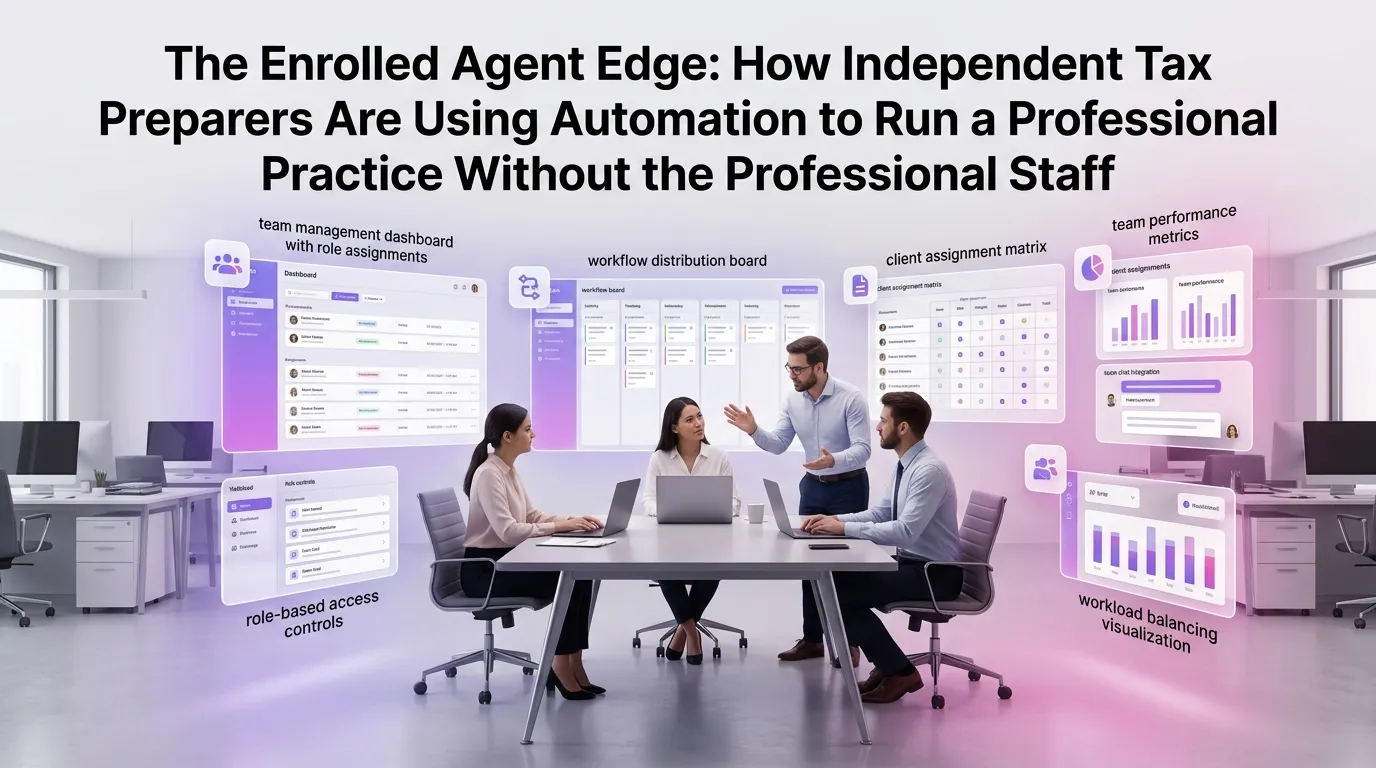
The Enrolled Agent Edge: How Independent Tax Preparers Are Using Automation to Run a Full-Service Practice Without the Full-Service Overhead
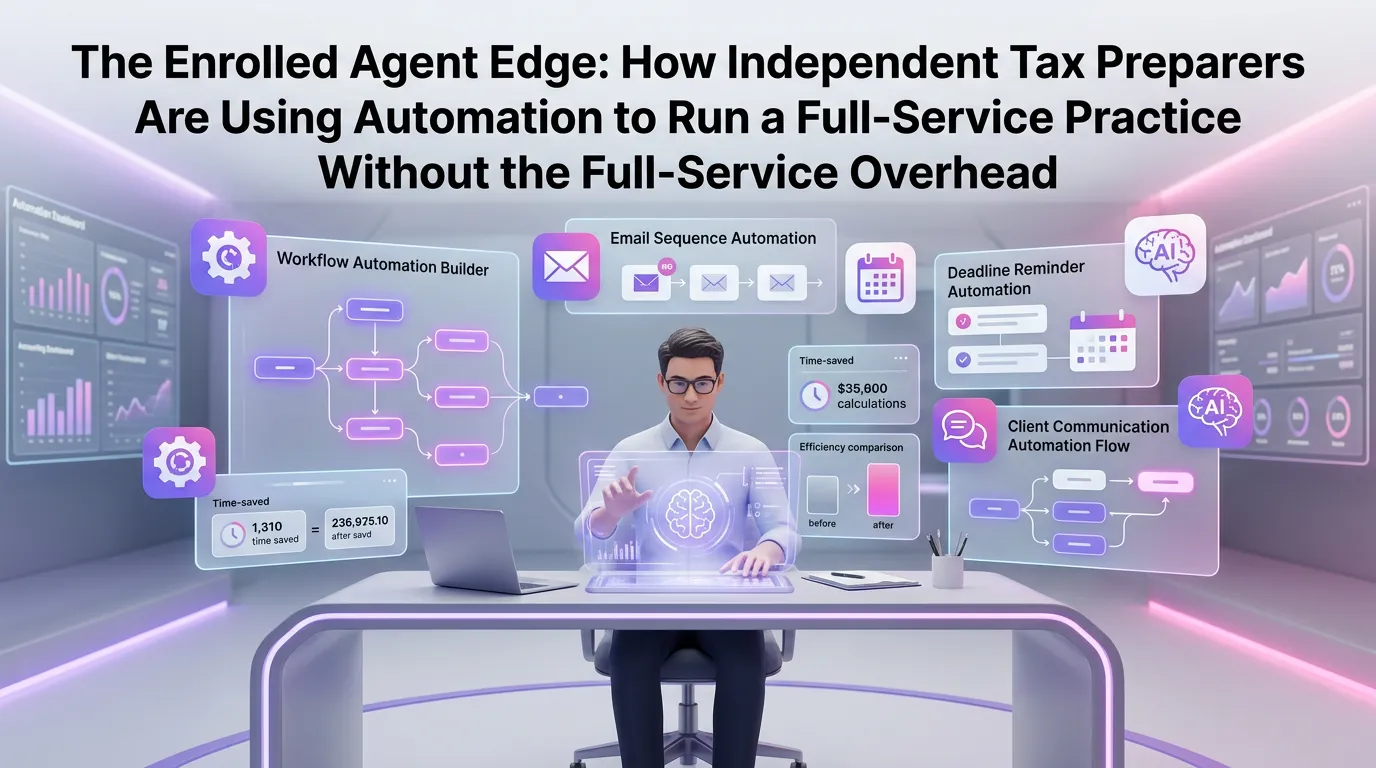
Running an independent tax practice as an Enrolled Agent has never been more demanding — or more full of opportunity. With the IRS granting EAs unlimited representation rights before the agency, independent preparers are increasingly positioned to offer the same scope of services as large firms. The challenge, of course, is doing so without a large firm's staff, budget, or infrastructure. That's exactly where tax preparer automation software is changing the game.
What It Really Means to Run a "Full-Service" Practice as an Independent EA
A full-service tax practice doesn't just mean filing returns. It means handling client onboarding, document collection, tax planning consultations, IRS correspondence, audit representation, and year-round communication — all while keeping your compliance obligations intact.
For solo and small-team EAs, that workload can feel paralyzing. Many talented practitioners cap their client roster not because of skill limitations, but because of operational bottlenecks. When every intake form is manually emailed, every reminder is manually sent, and every document has to be chased down, growth becomes its own punishment.
The good news is that modern automation platforms are specifically designed to eliminate those bottlenecks — without requiring you to hire a team of five to manage them.
The Hidden Overhead That's Actually Costing You
Most EAs think of overhead in terms of rent, software subscriptions, and CPE credits. But the most expensive overhead in a solo practice is often invisible: time overhead. Every hour spent on administrative tasks is an hour not spent on billable work, client acquisition, or professional development.
Consider a typical tax season scenario. A preparer with 150 clients might spend 20 minutes per client just chasing down missing documents — that's 50 hours of non-billable administrative time in a single season. Add in appointment scheduling, status update emails, and invoice follow-ups, and you're looking at a part-time job's worth of work that generates zero revenue.
According to the IRS's guidance on Enrolled Agents, EAs are held to rigorous professional standards. The irony is that meeting those standards while also running the business side of your practice is where most practitioners struggle.
How Tax Preparer Automation Software Eliminates the Bottlenecks
The right automation platform doesn't replace your judgment — it replaces your repetitive tasks. Here's how modern tax preparer automation software addresses the core operational challenges independent EAs face.
Automated Client Onboarding and Document Collection
Instead of emailing a PDF intake form and waiting days for a response, automation platforms let you send a branded digital onboarding workflow that guides clients through every step. They complete their information, upload documents, and e-sign engagement letters — all in one seamless experience.
When a document is missing or a field is incomplete, the system automatically follows up on your behalf. You only get notified when the file is complete and ready for review. This alone can reclaim dozens of hours per tax season.
Smart Scheduling and Appointment Reminders
Missed appointments and scheduling back-and-forth are a silent productivity killer. Automation tools integrate with your calendar and allow clients to self-schedule based on your real-time availability. Automated reminders reduce no-shows by up to 80%, according to industry benchmarks.
For EAs offering audit representation or IRS resolution services, timely appointments are especially critical. Automation ensures nothing falls through the cracks during high-stakes engagements.
Workflow Management Across the Tax Lifecycle
Every return moves through stages: intake, review, preparation, client review, filing, and follow-up. Automation platforms let you build structured workflows for each service type, so every client file progresses through a consistent, trackable process.
This isn't just about efficiency — it's about quality control. When your process is systematized, errors are caught earlier, deadlines are never missed, and your clients experience a consistently professional service regardless of how busy the season gets.
Automated Billing, Invoicing, and Payment Collection
Chasing invoices is demoralizing and time-consuming. Automation platforms can trigger invoices automatically when a return is filed, send payment reminders on a schedule, and integrate with payment processors so clients can pay instantly online.
For practices offering subscription-based tax planning or monthly bookkeeping add-ons, recurring billing automation is a game-changer. It creates predictable cash flow without any manual intervention month after month.
The EA Advantage: Unlimited Representation Rights + Automation = Scalable Practice
Here's the strategic insight that many independent EAs overlook: your professional credentials already give you a competitive edge over unenrolled preparers. You can represent clients before the IRS in audits, appeals, and collection matters. You can offer year-round advisory services, not just seasonal filing.
But that edge only translates to revenue if you have the operational capacity to deliver those services at scale. Automation is the infrastructure that makes your EA credentials commercially viable beyond a certain client volume.
The Journal of Accountancy has highlighted how small tax practices that invest in workflow technology consistently outperform their peers in client retention and revenue per client — two metrics that matter enormously for sustainable solo practice growth.
Building a Year-Round Practice, Not Just a Tax Season Practice
One of the most powerful shifts an EA can make is moving from a seasonal model to a year-round advisory model. This means offering tax planning, estimated tax management, IRS correspondence monitoring, and proactive strategy sessions throughout the year.
Automation makes this feasible for a solo practitioner. Scheduled check-in workflows, automated tax law update emails, and triggered planning reminders can keep you top-of-mind with clients 365 days a year — without requiring you to manually manage every touchpoint.
A report from AICPA-CIMA found that practices offering year-round services generate significantly higher lifetime client value and experience lower client attrition. For independent EAs, this is a direct path to financial stability and growth.
What to Look for in a Tax Firm Automation Platform
Not all automation software is built with the independent EA in mind. Some platforms are designed for large firms with dedicated IT staff and complex integrations. When evaluating options, look for these key capabilities.
Purpose-Built for Tax Professionals
Generic CRM or project management tools can be adapted for tax work, but they require significant customization and often lack compliance-aware features. Look for platforms built specifically for tax firms, with workflows, templates, and terminology that match your practice.
Client Portal with Secure Document Exchange
Tax document handling involves sensitive personal and financial data. Your automation platform must include a secure, encrypted client portal that meets data privacy standards. Clients should be able to upload documents, review returns, and communicate with you through a single branded interface.
Scalable Pricing for Solo and Small Practices
Enterprise-level platforms often price themselves out of reach for independent EAs. Look for transparent, scalable pricing that allows you to start lean and expand as your practice grows. The right platform should deliver a positive ROI from your very first tax season using it.
You can view our pricing plans to see how TaxFlow scales with your practice — from solo EAs just getting started to growing multi-preparer firms.
Real-World Impact: What Automation Looks Like in Practice
Imagine starting your Monday morning with a dashboard that shows you exactly where every client file stands. New documents have been automatically collected and sorted overnight. Three clients have completed their onboarding without any prompting from you. Two invoices have been paid automatically. And your calendar is fully booked for the week — scheduled by clients themselves based on your availability rules.
That's not a fantasy. That's what a well-configured tax firm automation platform delivers for independent EAs who take the time to set it up properly.
The initial investment in setup and learning is real, but it's a one-time cost. The returns — in time saved, capacity added, and stress reduced — compound every single week thereafter.
From 100 Clients to 200 Without Hiring
Many EAs using automation report being able to double their client capacity without adding staff. The math is straightforward: if automation saves you 10 hours per week during tax season, that's roughly 130 hours over a 13-week season — the equivalent of more than three full work weeks returned to billable or growth activities.
At even a modest billing rate of $150 per hour, that's nearly $20,000 in recovered capacity per season. For most independent EAs, that's the difference between a stressful plateau and genuine, sustainable growth.
Getting Started Without Getting Overwhelmed
The biggest mistake EAs make when adopting automation is trying to automate everything at once. Start with your highest-friction, highest-frequency tasks: document collection, appointment scheduling, and invoice follow-up. Get those running smoothly, then layer in additional workflows as your confidence grows.
Most modern platforms, including TaxFlow, offer onboarding support and pre-built templates that dramatically shorten the learning curve. You don't need to be a tech expert to benefit from automation — you just need to be willing to invest a few hours upfront to build systems that will pay dividends for years.
To see how other EAs and tax professionals are leveraging automation in their practices, explore our blog for case studies, tutorials, and industry insights.
Frequently Asked Questions
What is tax preparer automation software and how does it work?
Tax preparer automation software is a category of practice management tools designed to automate repetitive administrative tasks in a tax practice — such as client onboarding, document collection, appointment scheduling, billing, and status communications. These platforms use rule-based workflows and triggers to execute tasks automatically, freeing up the preparer's time for billable work.
Is tax preparer automation software suitable for solo Enrolled Agents?
Absolutely. In fact, solo EAs often see the greatest benefit from automation because they have no administrative staff to delegate tasks to. The right platform can effectively act as a virtual assistant, handling client communications, document follow-ups, and billing management without any additional headcount.
How much does tax firm automation software typically cost?
Pricing varies widely depending on the platform and feature set. Some platforms charge per user per month, while others offer tiered plans based on client volume. Many platforms, including TaxFlow, offer free trials so you can evaluate the ROI before committing. For independent EAs, a well-chosen platform typically pays for itself within the first tax season through time savings and increased capacity.
Will automation software integrate with my existing tax preparation software?
Most modern tax practice management platforms are designed to complement — not replace — your existing tax preparation software. Look for platforms that offer integrations with popular tax software, document storage services, and payment processors. Always verify integration compatibility before purchasing.
How long does it take to set up and start seeing results from automation?
With a platform designed for tax professionals, most EAs can complete initial setup within a few days and begin seeing efficiency gains within their first week of use. Pre-built templates for common workflows — such as client intake and document collection — significantly reduce setup time. Full optimization typically takes one complete tax season as you refine your workflows based on real-world experience.
Ready to Build the Practice You Actually Want?
The Enrolled Agent credential already sets you apart. The right operational infrastructure is what turns that credential into a thriving, scalable practice. TaxFlow by MultidexTech is built specifically for tax professionals who want to grow without burning out — combining powerful automation with an intuitive interface that won't require an IT department to manage.
If you're ready to reclaim your time, serve more clients, and build a practice that works for you year-round, start your free trial today. MultidexTech offers a full 14-day free trial with no credit card required — so you can experience the TaxFlow difference before making any commitment.
```