The Enrolled Agent Edge: How Independent Tax Preparers Are Using Automation to Run a Professional Practice Without the Professional Staff
Becoming an Enrolled Agent is one of the most significant achievements in the tax profession. You've passed a rigorous three-part examination, earned unlimited representation rights before the IRS, and built the kind of expertise that clients genuinely need. But here's the reality that most EA study guides don't cover: running a solo or small tax practice is a business management challenge just as much as it is a technical one. The good news is that the right practice management software for enrolled agents can close that gap — allowing you to deliver enterprise-level client service without hiring enterprise-level staff.
Why Enrolled Agents Face Unique Practice Management Challenges
Enrolled Agents occupy a distinctive position in the tax landscape. Unlike CPAs, whose practices often diversify into auditing and advisory work, EAs are laser-focused on taxation — which means their workload is both highly specialized and intensely seasonal. That concentration creates operational pressure that generalist practice management tools simply aren't designed to handle.
The IRS recognizes EAs as tax experts with the highest credential the agency awards to tax professionals. Yet many credentialed EAs find themselves spending more time on administrative tasks — chasing documents, sending reminder emails, managing appointments — than on the representation and planning work that actually leverages their expertise.
Consider the typical tax season for an independent EA: hundreds of client files moving through various stages simultaneously, each with its own document requirements, deadlines, and communication history. Without a structured system, even the most technically skilled practitioner risks missed deadlines, duplicated effort, and client experience gaps that erode referrals.
The Hidden Cost of Running on Manual Processes
Many solo EAs underestimate how much revenue they leave on the table by relying on spreadsheets, email folders, and calendar reminders. Every hour spent manually following up on missing W-2s or re-sending engagement letters is an hour not spent on billable representation work or growing the practice.
Research consistently shows that professional services firms lose significant revenue to administrative inefficiency. According to the American Institute of CPAs (AICPA), practice management and technology adoption are among the top strategic priorities for tax and accounting firms seeking sustainable growth — a finding that applies directly to independent EAs building scalable practices.
The math is straightforward. If an EA bills at $150 per hour and spends 10 hours per week on administrative tasks that automation could handle, that's $1,500 per week — or roughly $78,000 per year — in potential revenue either lost or not earned. Automation doesn't eliminate all of that, but even recovering half of it transforms a solo practice's financial picture.
What Practice Management Software for Enrolled Agents Actually Does
Modern practice management software for enrolled agents is not just a fancy to-do list. It's an integrated operational platform that touches every stage of the client lifecycle — from initial inquiry through tax return delivery and beyond.
Client Onboarding and Document Collection
The onboarding phase sets the tone for every client relationship. Automated onboarding workflows allow EAs to send branded welcome packets, engagement letters, and document request lists the moment a new client is added to the system. Clients receive a professional, organized experience — and the EA doesn't have to manually assemble any of it.
Secure document portals replace the back-and-forth of email attachments. Clients upload their tax documents directly to a protected portal, and the system automatically notifies the EA when materials arrive. This single feature alone can eliminate dozens of email threads per client per season.
Workflow Automation and Deadline Management
Tax practice is deadline-driven. The IRS publishes a comprehensive tax calendar that governs filing due dates, extension deadlines, and estimated payment schedules — and missing any of them can have serious consequences for clients and practitioners alike.
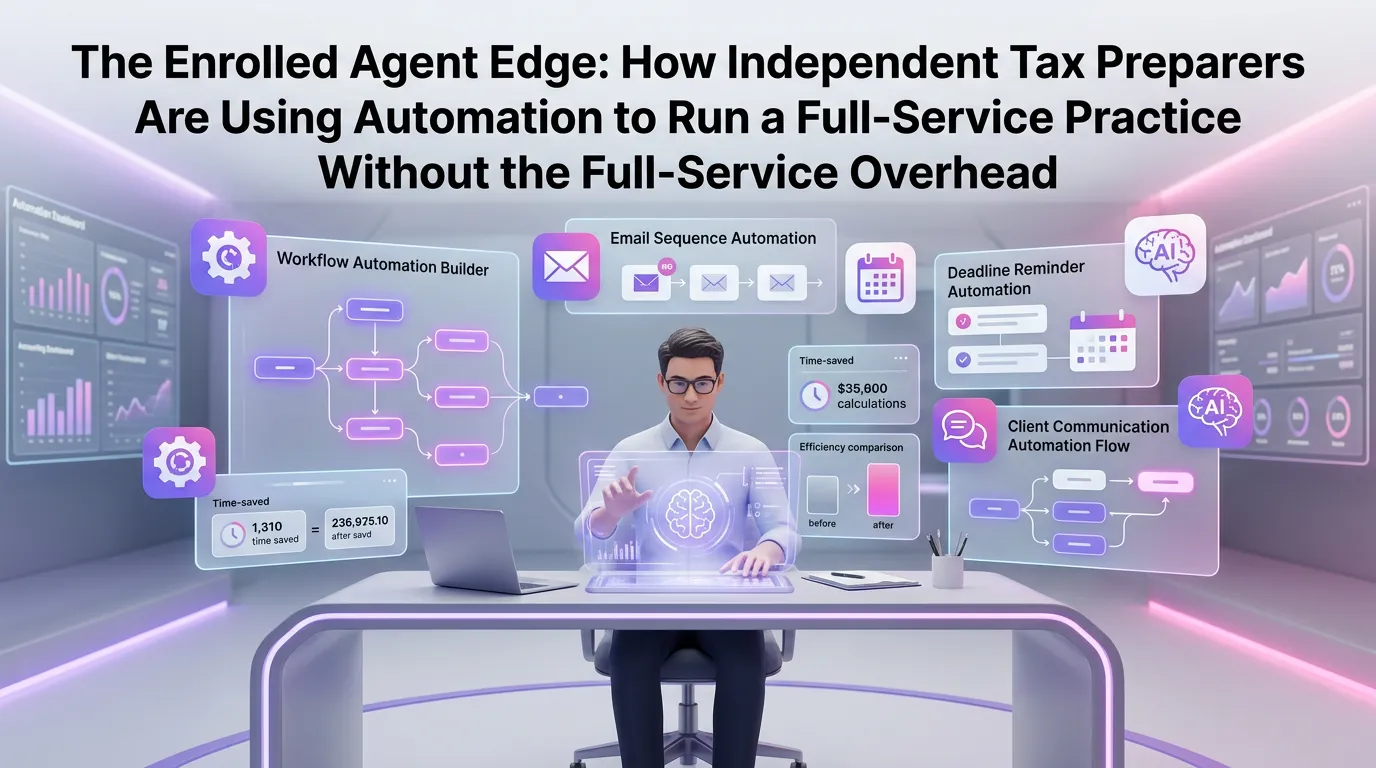
Automated workflow tools allow EAs to build repeatable process templates for every return type they prepare. A 1040 workflow might include fifteen distinct steps, each triggering automatically when the previous one is completed. The system tracks where every client file stands in real time, making it impossible to lose a return in the shuffle.
Deadline alerts and automated reminders mean the EA doesn't have to manually monitor every due date. The platform does the watching — and notifies both the practitioner and the client when action is needed.
Client Communication and Relationship Management
Consistent, professional communication is what separates a transactional tax preparer from a trusted advisor. Automated email sequences can keep clients informed at every stage — confirming receipt of documents, notifying them when a return is in review, and following up after filing to schedule year-end planning conversations.
Centralizing all client communications within a single platform also creates an audit trail that protects the EA in the event of any dispute or misunderstanding. Every message, every document, every interaction is logged and retrievable.
Scaling Without Hiring: The Solo EA's Strategic Advantage
One of the most powerful aspects of practice automation is what it does to your capacity ceiling. Traditional practice growth requires adding staff to handle increased volume. Automation shifts that equation dramatically — allowing a single EA to serve a client base that would otherwise require a team.
This isn't just about working more hours. It's about restructuring how those hours are spent. When document collection is automated, follow-up reminders run on their own, and client communications are templated, the EA's attention is freed for the high-value work: analyzing complex tax situations, representing clients before the IRS, and building relationships that generate referrals.
Many independent EAs using a modern tax firm automation platform report being able to take on 30–50% more clients in a given tax season without extending their working hours — a direct result of eliminating the manual overhead that previously consumed their capacity.
Building a Premium Practice Positioning
Automation doesn't just help EAs serve more clients — it helps them serve clients better, which justifies premium pricing. When every client receives a consistent, professional experience — branded portals, timely communications, organized document handling — the perceived value of the service increases significantly.
Clients who work with solo EAs using professional systems often describe the experience as comparable to working with a larger firm. That perception is valuable. It supports higher engagement fees, increases retention rates, and generates the kind of word-of-mouth referrals that sustain a practice long-term.
Choosing the Right Practice Management Software for Enrolled Agents
Not all practice management platforms are built with the EA's specific needs in mind. When evaluating options, there are several capabilities that should be non-negotiable for a tax-focused practice.
Tax-Specific Workflow Templates
Generic project management tools require significant customization to work for a tax practice. Look for platforms that come pre-built with tax-specific workflow templates — 1040s, 1120s, 1065s, extensions, amended returns — so you're not building your processes from scratch.
Secure Client Portal with E-Signature
A secure client portal is table stakes in 2024. But the best platforms go further, integrating e-signature capabilities so clients can sign engagement letters, consent forms, and authorization documents without printing or scanning anything. This reduces friction at every stage of the client relationship.
Automated Reminders and Communication Sequences
The platform should handle routine client communication automatically. That means automated document request reminders, status update notifications, and seasonal outreach sequences — all customizable with your firm's branding and messaging.
Reporting and Business Insights
Understanding your practice's performance is essential for growth. Look for platforms that provide clear reporting on key metrics: returns completed, revenue per client, workflow bottlenecks, and client retention rates. Data-driven decision-making is just as important for a solo EA as it is for a large firm.
The Journal of Accountancy has noted that small accounting and tax firms that adopt integrated practice management technology consistently outperform peers who rely on disconnected tools — in both revenue growth and client satisfaction scores.
Implementation: Getting Started Without the Learning Curve
One of the most common objections EAs raise about adopting new software is the time investment required to get up and running. This concern is legitimate but often overstated when the right platform is chosen.
The key is to start with the workflows that consume the most time and cause the most friction. For most EAs, that's document collection and client follow-up. Automating those two areas alone produces immediate, measurable time savings — which then funds the bandwidth to implement additional features over time.
Most modern practice management platforms offer guided onboarding, pre-built templates, and customer support specifically designed to get practitioners productive quickly. The goal should be to have core workflows operational within the first week, with more advanced features added progressively as the team — even if that team is just you — becomes comfortable with the system.
If you're ready to see what's possible, you can start your free trial and explore the platform with your own client scenarios before making any commitment.
The Competitive Landscape: Why Now Is the Right Time
The tax preparation industry is undergoing rapid consolidation, with national chains and large regional firms investing heavily in technology to scale their operations. Independent EAs who don't adopt comparable systems risk being perceived as less professional — regardless of their technical expertise.
At the same time, there is a genuine and growing market for independent, credentialed tax professionals who offer personalized service that larger firms can't match. The EA who combines deep expertise with professional systems occupies an extremely strong competitive position — trusted advisor relationships with the operational efficiency of a much larger firm.
The window to establish that position is open right now. Early adopters of practice automation in any professional services category consistently capture market share from slower-moving competitors. For EAs, that opportunity is particularly clear.
Frequently Asked Questions
What is practice management software for enrolled agents?
Practice management software for enrolled agents is a specialized platform that automates and organizes the operational side of running a tax practice. It typically includes tools for client onboarding, document collection, workflow management, deadline tracking, client communication, and business reporting — all designed around the specific needs of tax professionals.
Can a solo enrolled agent benefit from practice management software, or is it only for larger firms?
Solo enrolled agents often benefit the most from practice management software because they don't have staff to absorb administrative overhead. Automation allows a single EA to handle the operational workload that would otherwise require one or more administrative employees, dramatically increasing capacity and profitability without adding payroll.
How does practice management software help with IRS representation cases?
For IRS representation work — audits, collections, appeals — practice management software helps by centralizing all case documents, tracking deadlines for IRS response windows, and maintaining a complete communication history. This organizational foundation allows EAs to manage multiple active representation cases simultaneously without losing critical details.
Is client data secure on a cloud-based practice management platform?
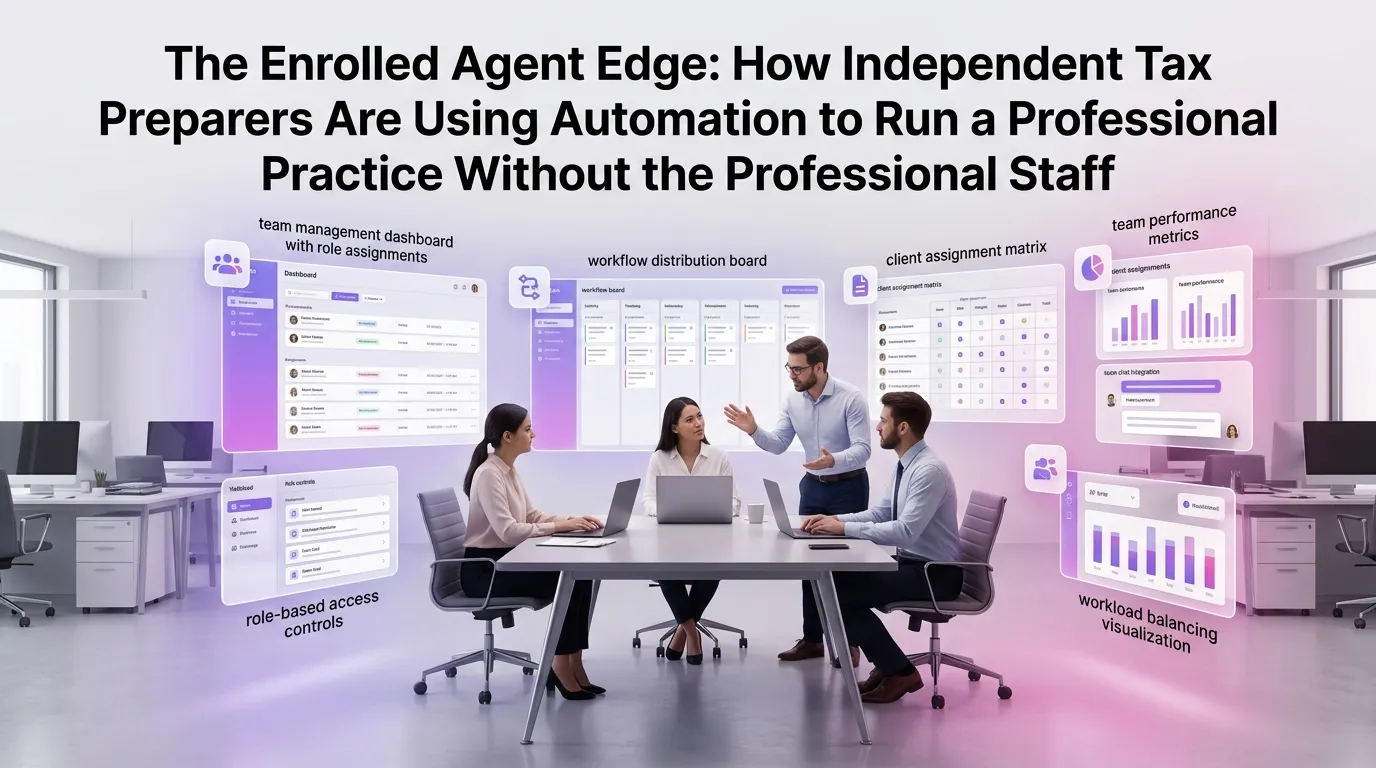
Reputable practice management platforms use bank-level encryption, secure data centers, and role-based access controls to protect client data. When evaluating any platform, look for SOC 2 compliance, data encryption at rest and in transit, and a clear data security policy. Never transmit sensitive client information through unencrypted email.
How long does it take to set up practice management software for a tax practice?
With a well-designed platform and guided onboarding, most solo EAs can have their core workflows operational within a few days to a week. Starting with document collection and client communication automation typically produces the fastest return on time investment, allowing you to experience immediate efficiency gains while you continue configuring additional features.
Ready to see what your practice looks like when the administrative work runs itself? TaxFlow by MultidexTech is built specifically for tax professionals who want to deliver exceptional client experiences without building a large team to support them. Start your free 14-day trial today — no credit card required — and experience firsthand how the right platform can transform your practice. You can also view our pricing plans to find the option that fits your practice size, or explore our blog for more strategies on building a high-efficiency tax practice.